Focusrite Control 2
Download the Mac installer for your compatible Focusrite audio interface.
Download Focusrite Control 2 (.dmg)Build your broadcast, add your branding, and take it into OBS. Studios for Jen, Gary, and every voice in the Weather.Watch network.

Open WeatherFront in its own desktop window. Follow these steps in Chrome on your Mac.
These instructions are for the WeatherFront website. The OBS overlays below remain separate browser sources.
Download the Mac installer for your compatible Focusrite audio interface.
Download Focusrite Control 2 (.dmg)Get OBS Studio from the official download page. Choose the version for your computer.
Download OBS Studio ↗Live conditions and a five-day forecast. Choose a city and radius, rotate nearby cities, add your channel logo and sponsor, then download your broadcast.
Open live studio →Neon purple, cyan, and yellow, with the podcast logo built in. Includes nearby-city rotation, sponsor artwork, and a downloadable OBS package.
Open After Dark studio →A receipt-based equipment checklist, grouped by what each item does. Based on purchases from September 23–24, 2026, adjusted to a two-monitor setup. Prices are from the Overland Park, Kansas receipts. Tax is allocated from the original $330.40 paid, less $20.70 for the removed monitor (10.35% receipt rate, rounded). This is a reimbursement breakdown, not a current checkout quote. Confirm compatibility and availability before buying.
22 product types · 24 items · Includes 2 monitors, 2 matching USB-C cables, and a $1.99 shopping bag. Open a category to see the products. Micro Center links search the exact receipt SKU.
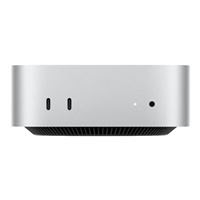
Runs the broadcast software.
Qty 1 · $799.99 each · $799.99 total
Find at Micro Center ↗SKU 087015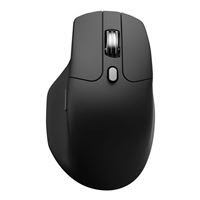
Mouse for controlling the workstation.
Qty 1 · $61.99 each · $61.99 total
Find at Micro Center ↗SKU 015412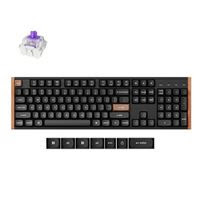
Keyboard for the workstation.
Qty 1 · $147.99 each · $147.99 total
Find at Micro Center ↗SKU 955773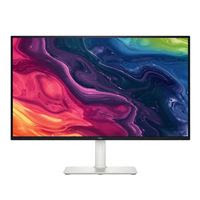
Displays for maps, OBS, and show controls.
Qty 2 · $199.99 each · $399.98 total
Find at Micro Center ↗SKU 844068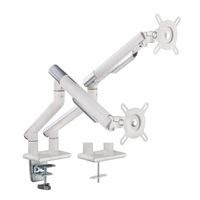
Desk mount for two compatible monitors.
Qty 1 · $179.99 each · $179.99 total
Find at Micro Center ↗SKU 458026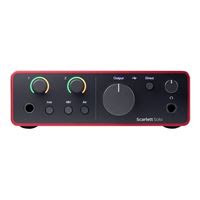
Connects the XLR microphone to the computer.
Qty 1 · $159.99 each · $159.99 total
Find at Micro Center ↗SKU 600387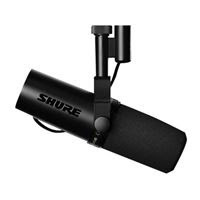
Your on-air voice microphone.
Qty 1 · $549.99 each · $549.99 total
Find at Micro Center ↗SKU 614321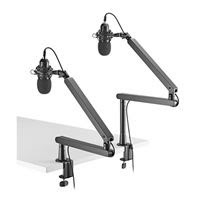
Positions the microphone at your desk.
Qty 1 · $49.99 each · $49.99 total
Find at Micro Center ↗SKU 585067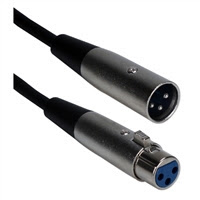
Connects the microphone to the audio interface.
Qty 1 · $12.99 each · $12.99 total
Find at Micro Center ↗SKU 966481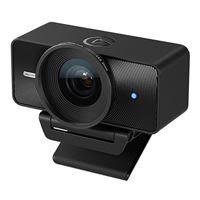
Camera for your on-air video.
Qty 1 · $199.99 each · $199.99 total
Find at Micro Center ↗SKU 912949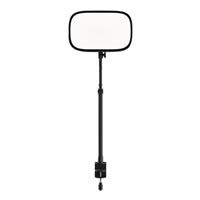
Lights the presenter.
Qty 1 · $139.99 each · $139.99 total
Find at Micro Center ↗SKU 081422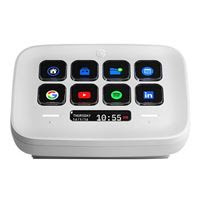
Buttons for broadcast shortcuts.
Qty 1 · $99.99 each · $99.99 total
Find at Micro Center ↗SKU 766832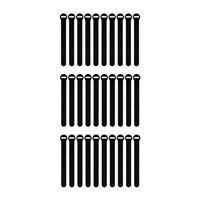
Keeps cables organized.
Qty 1 · $8.99 each · $8.99 total
Find at Micro Center ↗SKU 670752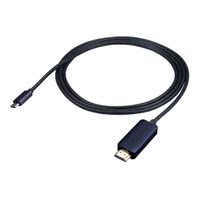
Video connection for a compatible display.
Qty 1 · $39.99 each · $39.99 total
Find at Micro Center ↗SKU 485177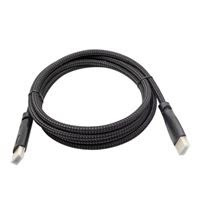
HDMI display connection.
Qty 1 · $9.99 each · $9.99 total
Find at Micro Center ↗SKU 041715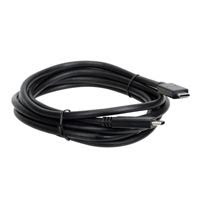
USB connections for compatible equipment.
Qty 2 · $14.99 each · $29.98 total
Find at Micro Center ↗SKU 488817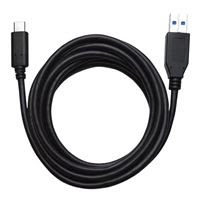
Connects compatible USB-C and USB-A devices.
Qty 1 · $11.99 each · $11.99 total
Find at Micro Center ↗SKU 639948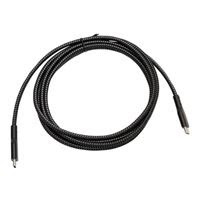
USB 2.0 connection; not a substitute for a high-speed camera cable.
Qty 1 · $11.99 each · $11.99 total
Find at Micro Center ↗SKU 668293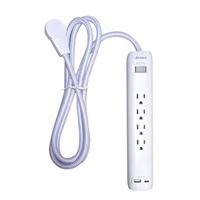
Power distribution.
Qty 1 · $26.99 each · $26.99 total
Find at Micro Center ↗SKU 729384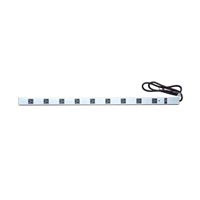
Power distribution.
Qty 1 · $27.51 each · $27.51 total
Find at Micro Center ↗SKU 729806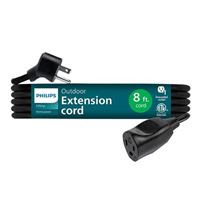
Extends a power connection.
Qty 1 · $19.99 each · $19.99 total
Find at Micro Center ↗SKU 988006
Included in receipt total; not required for streaming.
Qty 1 · $1.99 each · $1.99 total
Find at Micro Center ↗SKU 722736Setup path: microphone → XLR cable → Scarlett Solo → computer; camera → computer; OBS → stream. Connect surge protectors directly to suitable wall outlets, not to each other. The list records purchases, not a guarantee that every accessory is necessary for every setup.